
How to create an account?
Understand account access, the first setup steps and where to get help before you begin with AfriMed™.
 AfriMed™
Step-by-step guide to account creation
AfriMed™ is preparing public account creation without an invitation or an approved email list. Registration remains closed while launch checks are completed. The steps below describe the planned public journey; existing users can continue with their usual account.
Must-know info for users
An account and permission to use a service are separate. Patient and clinician setup have different steps; professional verification and available services depend on your role and location.
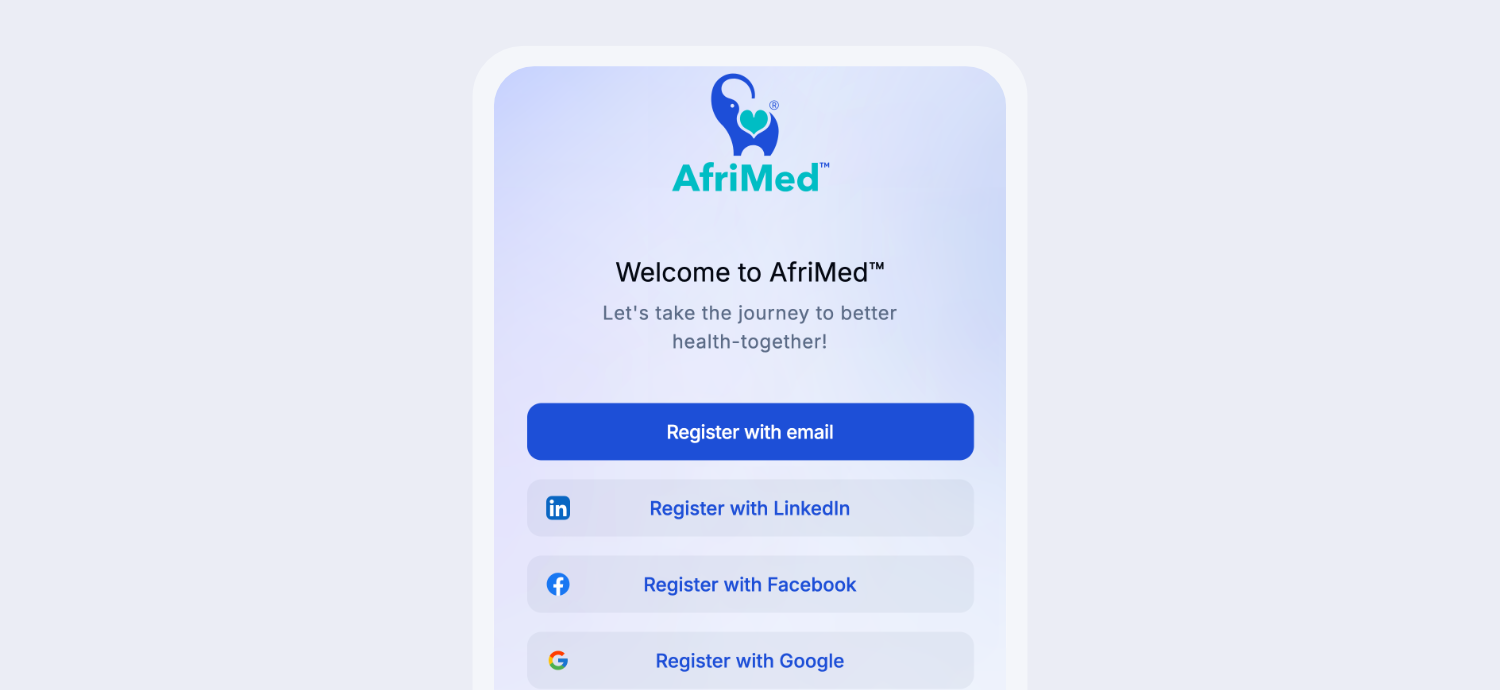
- Choose Register with email and open the secure link sent to your inbox. Alternatively, choose LinkedIn, Facebook or Google and complete the provider’s sign-in and consent steps.
- After verification, a new account reaches the category screen. Choose Patient or Clinician to begin the corresponding onboarding.
- Enter your own details and check them before continuing. Complete the verification steps shown for your account.
- Review your saved profile after setup. If you already have an account, use it to retain your history rather than registering again.
Troubleshooting common account issues
If you cannot sign in, check the email address and password you normally use. A disabled registration button does not mean you need a second account. Use password recovery to request a secure reset link for your existing account. Contact AfriMed™ if you still need help regaining access.
If you can sign in, use the application’s support area to open or follow an existing request. If you cannot sign in, choose Support to visit our Contact page. Never send your password, sign-in codes or medical documents. Email correspondence remains separate from your in-app request history.
Common questions about account creation
Do LinkedIn, Facebook and Google need another email link? No: provider authentication returns you to AfriMed™. Pharmacy-owner registration and Research • Public Health access are being completed separately; selecting an ordinary account category does not grant organisation access. An account does not guarantee a consultation: appointments depend on participating providers, verification and service availability.